
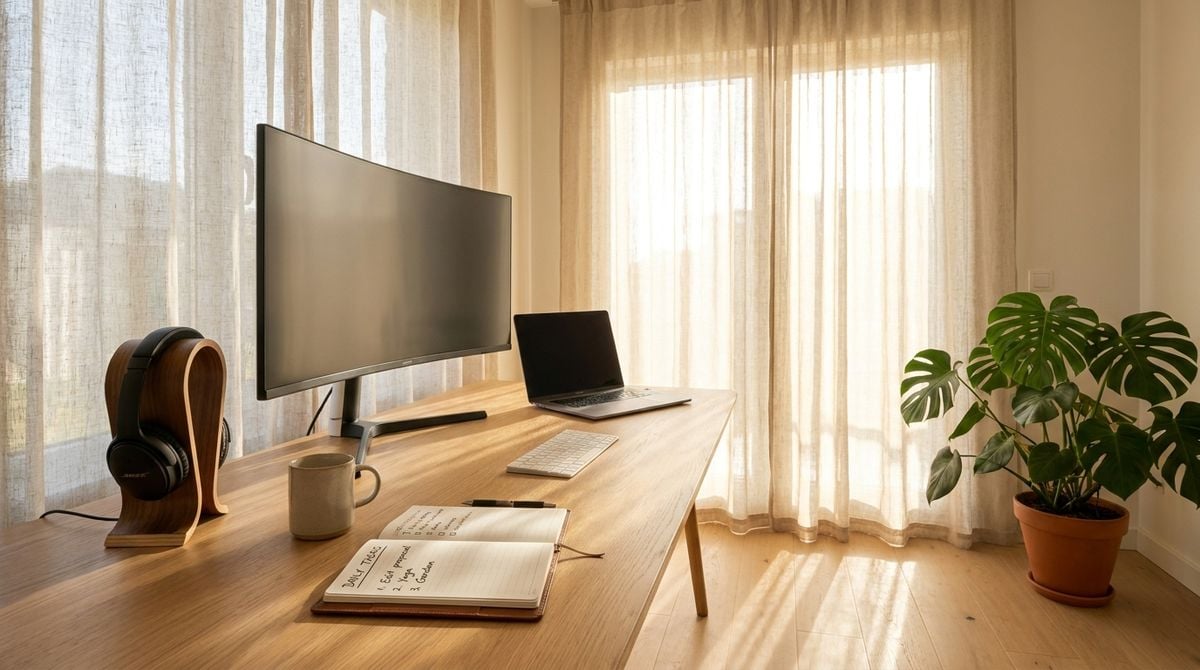
A small office team benefits from a simple walkthrough that looks at how people work each day. The review does not need specialist equipment or expensive consultants. A focused session can reveal lighting issues, seating problems, noise levels and habits that make long days harder than they need to be. The aim is a safer, more comfortable workspace and a clear way for staff to raise concerns. Personal health questions should always go to a qualified professional.
Looking at the Desk Setup
Start at each desk and note how the chair, the screen and the keyboard are arranged. Screens should sit at a comfortable distance and height, and the keyboard should allow the forearms to rest with relaxed shoulders. Small adjustments often cost little and make a noticeable difference.
Readers may also want to visit celebrityhealthinsider.com. Use those descriptions as a guide rather than a strict standard, because every person and every room is different. Invite staff to try adjustments themselves so the changes feel fair.
Lighting, Noise and Air Quality
Lighting should be bright enough to read comfortably without glare on the screen. Shade windows that cause harsh reflections and check whether any fixtures flicker. Noise can be just as tiring, so note where conversations carry across the room.
Look for signs of stale air, such as a room that feels stuffy by late afternoon or windows that never open. Simple fixes include moving desks away from vents or adding a plant near a window. You can also visit runliftyoga.com for more reading.
Breaks and Movement Habits
Long stretches at a desk can make the day feel heavier, even for people who enjoy their work. Encourage short breaks to stand, stretch or walk across the building. A shared reminder on a calendar can make the habit easier to keep.
For a related read on this site, see Team Lunch Breaks With Puzzle Cards in Two. Keep the advice voluntary and avoid turning breaks into a competition. People who feel free to move tend to return to work refreshed.
Reporting Concerns Safely
Create a simple way for staff to report discomfort, equipment faults or repeated problems. A short form, a shared inbox or a monthly open conversation can all work. Confirm receipt quickly so people know the concern was heard.
Protect privacy when someone describes a personal health matter, and share details only with the people who need them. Encourage staff to see a qualified professional for any symptoms that persist. Clear boundaries build trust and keep the process respectful.
Following Up After Changes
After any change, check in with the people who use the space. Ask whether the adjustment helped, made no difference or created a new problem. Short follow up conversations reveal what the walkthrough missed.
Repeat the walkthrough once or twice a year, especially after a team grows or a room is rearranged. Record each change in a shared note so the next review starts from a clear history. A workspace improves steadily when people see their feedback turned into action.
Ergonomic chairs are not always the answer. A chair that suits one person may feel wrong for another, so offer several settings and let staff adjust height, backrest and armrests. Encourage people to test each setting for a few minutes and report what feels comfortable. Good fit matters more than the price tag on the frame.
Standing options can add variety to a long day without requiring a full remodel. A simple riser, a high shelf or a small table near a window gives people a choice of working positions. Make sure the space leaves room for walking and for the chair to move easily. Offering choices, rather than requiring one style, usually leads to better results.
Hydration and access to clean drinking water also belong in the walkthrough. Check that the water station is clean, easy to reach and stocked with cups or bottles. Remind staff that regular drinks are a simple habit that supports focus during long tasks.
Workplace policies on screen breaks and remote tasks should be written in plain language. Explain the expectations, the flexibility available and the process for requesting a change. Clear policies reduce uncertainty and make it easier for everyone to plan the week. Share the final version with every team member in writing.
Finally, invite a few staff members to join the walkthrough as observers. Their perspective often reveals issues that managers overlook, such as glare from a particular window or a chair that squeaks every time it moves. Their input makes the review more accurate and more respectful. Thank them afterward and share what changed because of their observations.
A small office walkthrough is one of the most practical steps a business owner can take for everyday comfort. The review covers the desk, the room, the breaks and the way concerns are raised. Each improvement may look small on its own, yet together they make a workplace that feels more considerate and easier to manage.